
Professor
Professor
The Professor dashboard provides a central interface for managing your courses, students, and teaching resources. You can access this dashboard at https://app.pomelabs.com/professor.
Dashboard Overview
The Professor dashboard is divided into four main sections:
-
sessions: .
-
Library: Manage administrative and teaching staff.
-
Roster: Manage student access and permissions.
-
PomeConnect Kits: Manage hardware inventory - coming soon.
sessions
The sessions section allows you to monitor and manage all your courses and sessions the active ones and the past ones. You can create new sessions, edit existing ones, and track student progress.
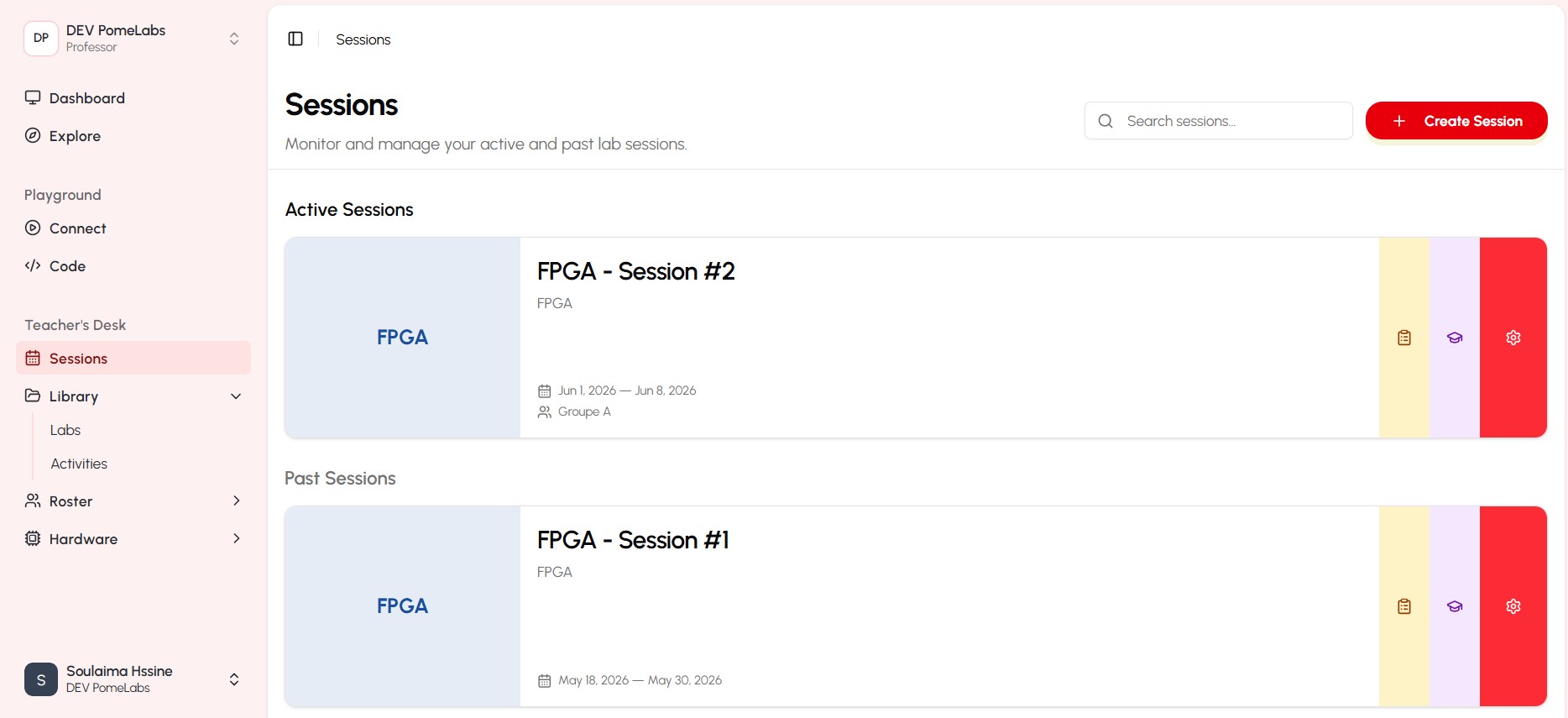
Creating a new session
To create a new session, click on the "Create New Session" button located at the top right corner of the Sessions section. In the "Create New Session" dialog box that appears:
- select a lab from the dropdown menu.
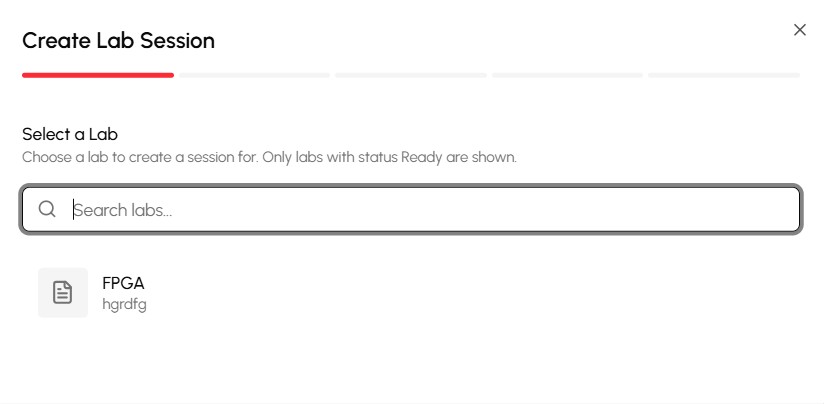
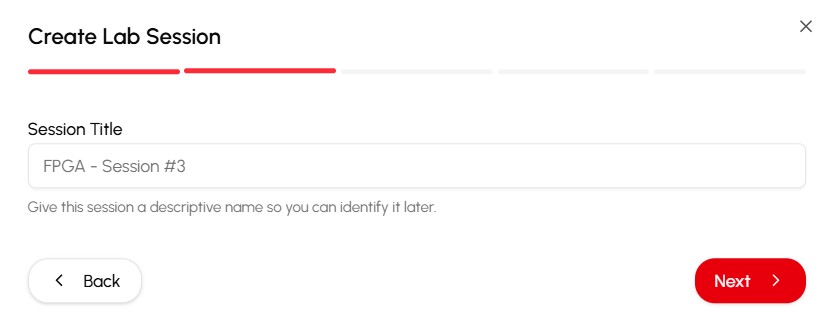
- Enter a name for the session.
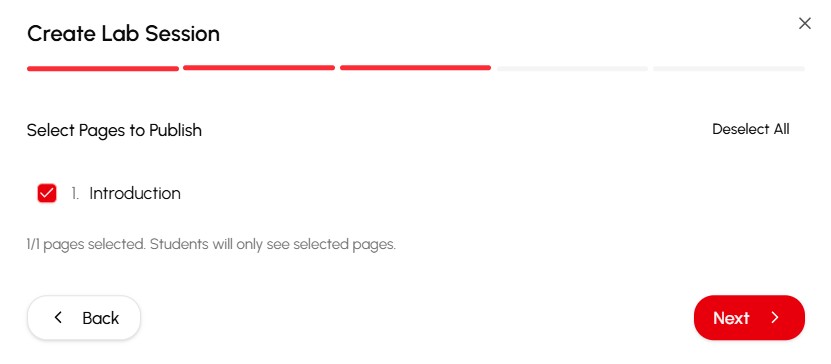
- select pages to publish in the session.
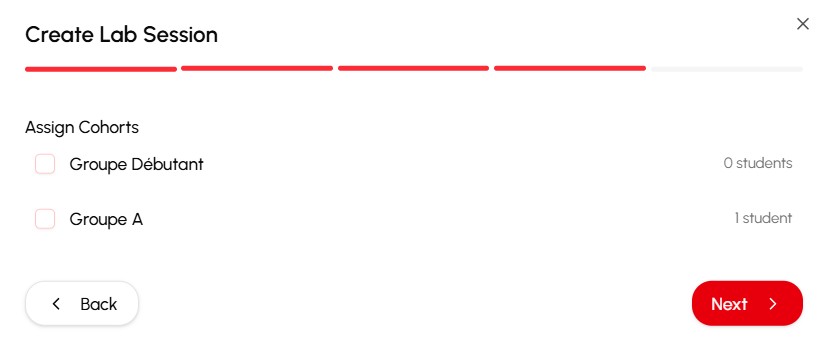
- assign cohorts to the session.
- Set the session's start and end dates.
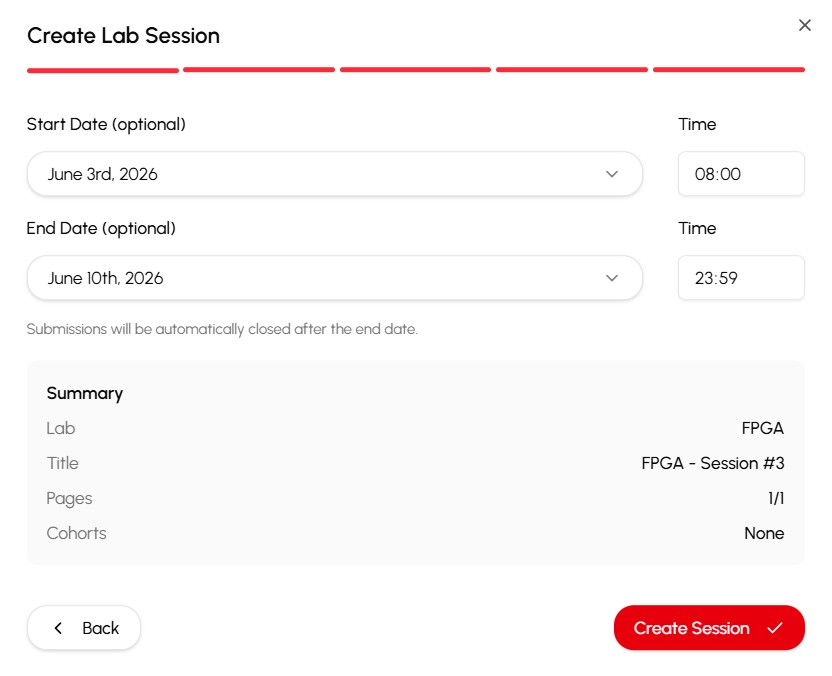
- Click the "Create Session" button to save your new session.
Library
The Library section allows you to manage your teaching resources, including course materials, assignments, and quizzes
Roster
The Roster section allows you to manage your students, view their progress, and communicate with them. You can see a list of all enrolled students, their contact information, and their progress in the course. You can also send announcements and messages to your students directly from this section.
PomeConnect Kits Section
This section allows you to manage your hardware inventory. it includes two features:
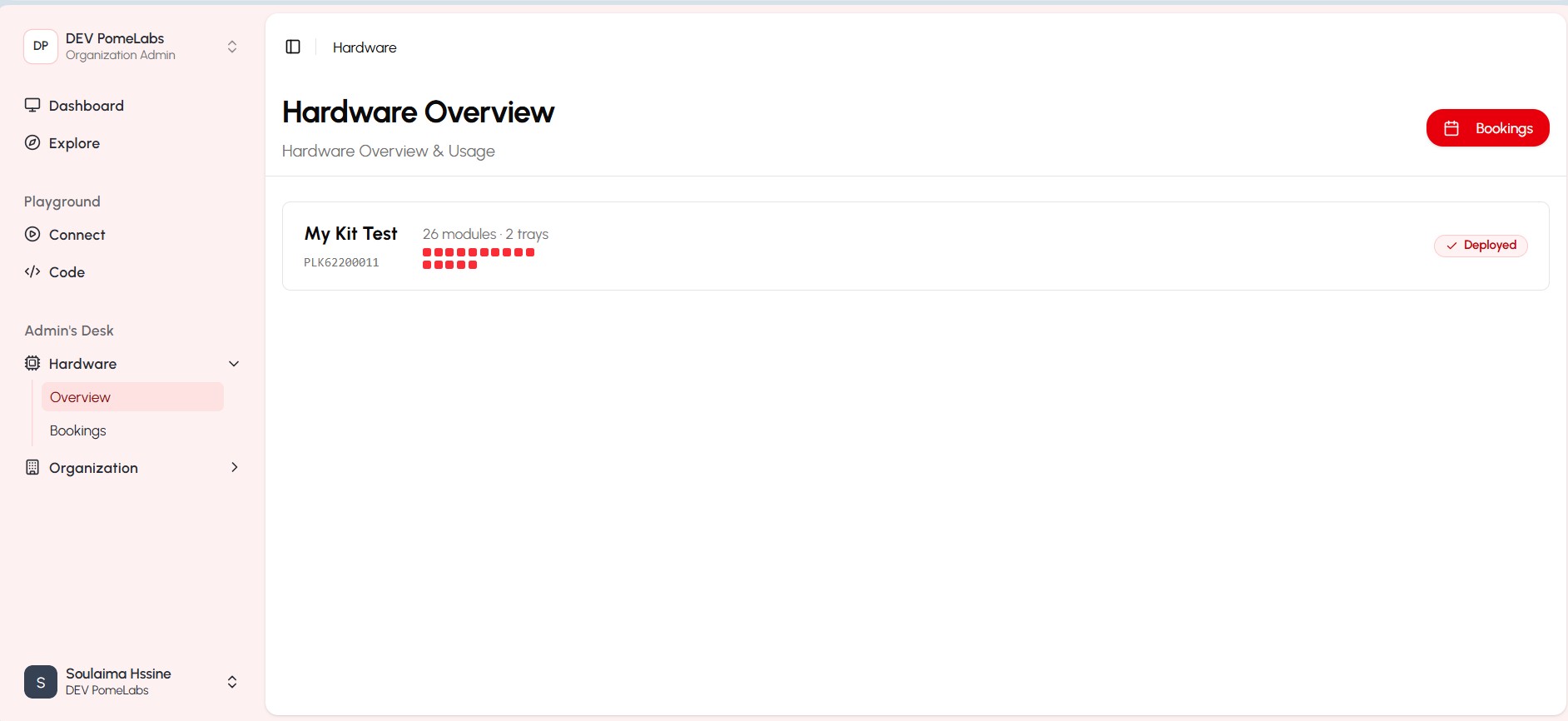
- Hardware Overview: View all the kits avalable in your inventory, including details such as kit name, quantity, and status.
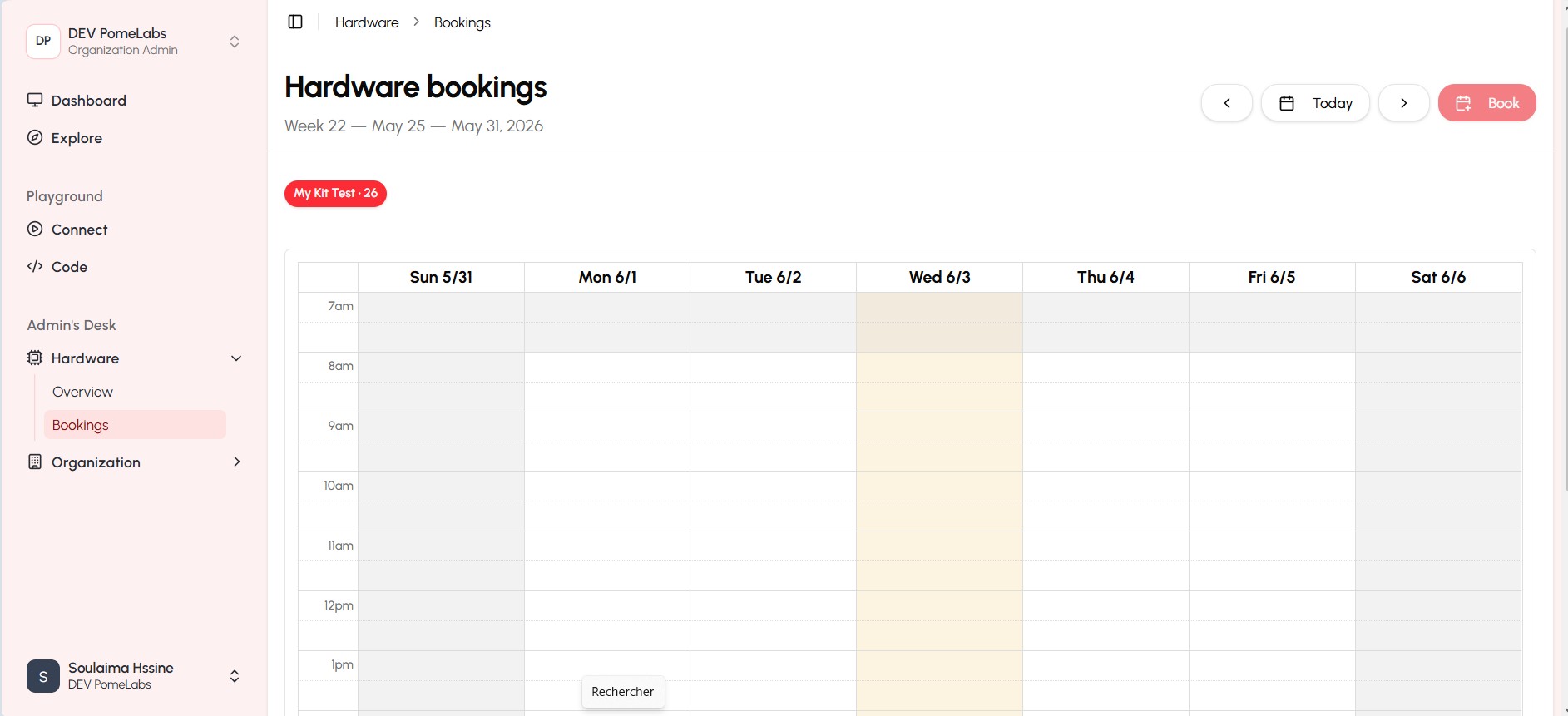
- Hardware Tracking: Track the usage and location of each kit, ensuring efficient management and accountability of the institute hardware.
How is this guide?